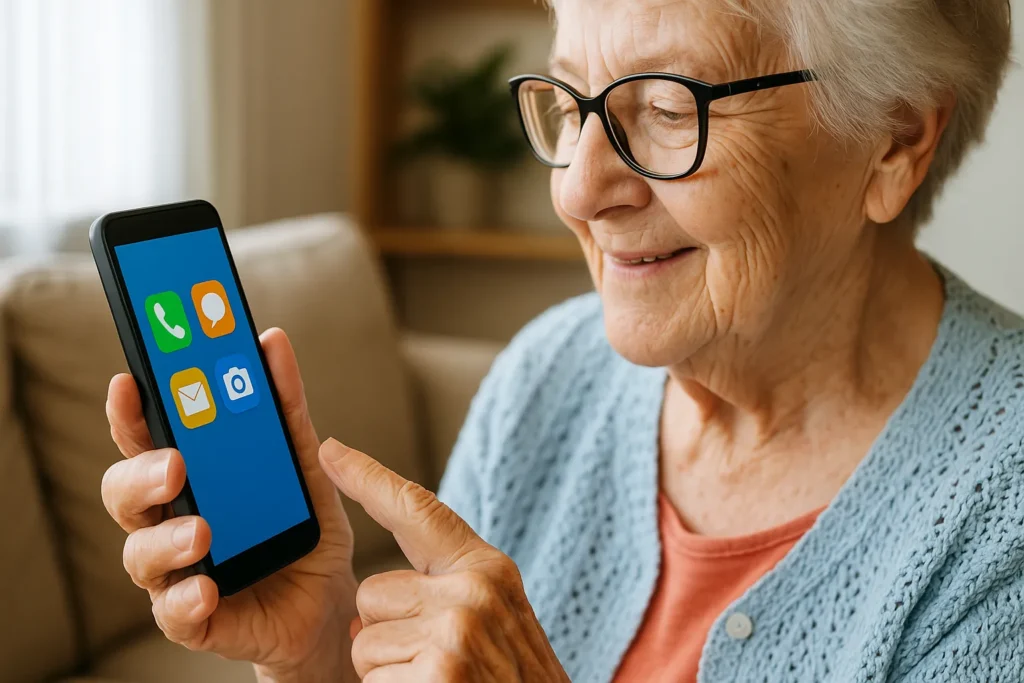
If you or someone in your family has difficulty using your cell phone or computer, know that this is more common than you think. But the good news is that There are applications designed to make life easier even for those who don't have much affinity with technology.
These apps are simple, intuitive, and make everyday tasks much easier—like accessing the internet, talking to family, reading the news, watching videos, paying bills, and even learning new things.
1# WhatsApp – Easy communication with anyone
THE WhatsApp It's the number one app for communicating today. Even those who have never used technology can easily adapt to it.
With it, you can:
- Send text messages
- Make video and voice calls
- Send photos and audio with one tap
- Join family, church, or friend groups
💡 Tip: Turn on “simple mode” in your phone’s accessibility settings to make icons larger and easier to see.
2# Google Assistant – A phone that listens and obeys
Did you know that you can talk to your cell phone and have it do things for you? Just say "Ok, Google" and ask whatever you want. For example:
- "What time is it?"
- “Call John”
- “What’s the weather forecast today?”
- “Remind me to take my medicine at 2pm”
It's perfect for those who have difficulty typing or memorizing commands.
💡 It can be activated on Android phones and works even with the screen locked, if configured correctly.
3# YouTube – Learn, have fun and get informed
THE YouTube is one of the most comprehensive apps. With it, anyone can:
- Watch videos of recipes, music, sports, news, old soap operas
- Attend services, masses or lectures
- Learn how to use your cell phone with simple tutorials
- Follow educational channels for all ages
💡 Tip: Subscribe to your favorite channels for easy access. The "Like" button helps the algorithm recommend videos that interest you.
4# Google Chrome – Surf the internet simply
THE Google Chrome is the most widely used browser in the world. It lets you access any website with just a few clicks.
Even those who have never used a browser can easily learn to:
- Read news
- View exam results
- Search for recipes
- Access bank or pharmacy websites
💡 Tip: Turn on “reading mode” or increase the font size in the app settings.
5# Simple Calculator – Useful and easy for everyday use
Many people don't know, but the cell phone itself already comes with a simple and practical calculator, ideal for grocery bills, medications and money management.
There are also apps like Calculator for Seniors, with larger buttons and a super accessible interface.
💡 Some cell phone models allow you to place the calculator as a “quick shortcut” on the home screen.
6# Meu INSS – Everything about retirement and benefits
THE My INSS app It's essential for anyone who receives a retirement pension, or wants to make a request to the INSS (National Institute of Social Security). Everything is done online, without needing to go to a branch.
With the app, you can:
- View payment statement
- Apply for retirement
- Schedule expertise
- Issue official documents
💡 Tip: The app is secure and can be accessed with your CPF and a simple password, created at the time.
7# Google Photos – Store and organize your photos with ease
THE Google Photos Automatically saves photos taken on your phone and organizes them by date, face, or location. This prevents you from losing important photos and helps those who aren't very knowledgeable about storage.
It's great for:
- Find old photos
- Create family albums
- Share images with one click
💡 You can activate automatic backup so you never lose a photo, even if your phone breaks.
8# Digital bank with easy service – like Nubank or Caixa Tem
Applications like Nubank, Inter or the popular Caixa Tem are great for learning how to move money without having to wait in lines.
In them, it is possible to:
- Check balance
- Pay bills with your cell phone camera
- Make transfers via Pix
- Receive notifications of deposits or benefits
💡 Many banks offer explanatory videos within the app itself.
9# Online Radio – for those who love music and live programming
For those who don't adapt to platforms like Spotify, online radio apps like RadiosNet are ideal.
You can listen to:
- Local and national radio schedules
- Masses and services broadcast by evangelical or Catholic radio stations
- Live music and news programs
- Everything with just one click
💡 The app is lightweight and works well even on older phones.
10# Government App – access to essential services
THE gov.br is an app that brings together several public services in one place:
- Digital driver's license
- Work permit
- Service scheduling
- CPF and certificate consultation
Ideal for those who want have more autonomy and not depend on queues or paperwork.
💡 The interface is simple and access can be done with your face, password or cell phone number.
Technology is a bridge — not a barrier
The right apps don't complicate - they make it easier.
They bring families together, organize routines, help save money, learn, and smile.
And, over time, even those who said they “didn’t understand any of this” becomes an expert in what you need.
If you're just starting out or want to help someone who doesn't yet know how to use a cell phone well, share this content.
Because everyone deserves to enjoy the best of technology — with simplicity, confidence, and security.
See also: Technology and Medicine: Understand how Robots can Improve Surgeries
April 22, 2025

Graduated in Portuguese/English Literature from the State University of Ponta Grossa (UEPG), with postgraduate degrees in Art in Education (FAPI) and School Psychopedagogy (FAPI), creator and owner of the website. Successful Writer, has experience writing for blogs in general and works as a writer and editor of the content for 11 APP.