There's nothing like the freedom of listening to your favorite music anytime, even without an internet connection. Whether traveling, in a place without Wi-Fi, or when you're saving mobile data, having access to music offline is a necessity for many users.
Fortunately, with the advancement of technology, there are several apps that allow you to listen to your favorite playlists even without an internet connection. In this article, we'll explore some of the best apps for listening to music without an internet connection.
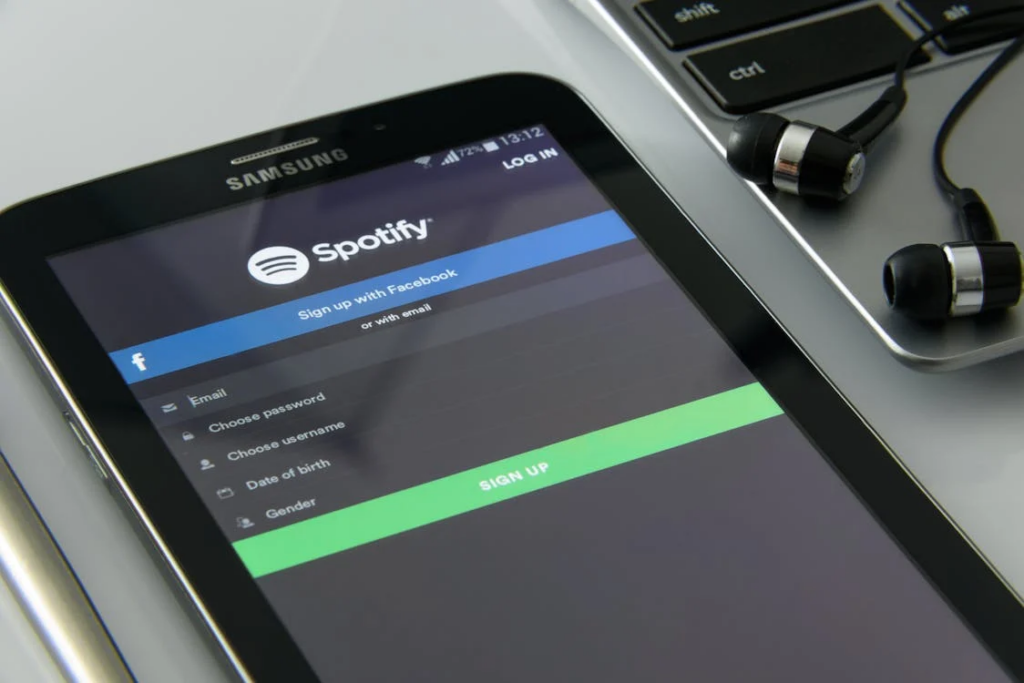
How does listening to music without internet work?
Most music streaming apps, such as Spotify, Apple Music, and YouTube Music, offer a offline downloadThis means you can download tracks or playlists directly to your device and listen to them when you're not connected to the internet.
The main advantage of this is that it saves mobile data and ensures you'll have access to your music no matter where you are. Offline music also avoids connection interruptions, such as stuttering or interruptions during playback.
Best apps to listen to music without internet access
Now, let's look at some of the best apps that let you listen to music offline. They range from free to paid, and most offer a trial version for those who want to try them out before subscribing.
1# Spotify
Spotify is one of the most popular music listening apps, and its offline functionality is very useful for those who want to listen without an internet connection. To do this, you need to be a Spotify subscriber. Spotify Premium, which allows you to download songs, playlists and albums to your device and listen to them anywhere.
Additionally, Spotify has a vast music library, and you can create your own playlists or discover new music based on your tastes.
2# Apple Music
Another excellent option is Apple Music, which also lets you download songs and playlists for offline listening. An Apple Music subscription gives you access to a huge variety of music and also lets you create custom playlists. Apple Music is a great choice for those already integrated into the Apple ecosystem, such as iPhones and iPads.
3# YouTube Music
YouTube Music, from the video giant, also lets you download its songs and music videos to listen offline. Like other services, YouTube Music's offline feature is available to subscribers. YouTube Music Premium.
One advantage of YouTube Music is its vast video catalog, which allows you to not only listen to music but also watch exclusive clips and content.
4# Deezer
Deezer is one of the oldest and most comprehensive music streaming apps. It also offers offline listening for subscribers. Deezer Premium. Deezer's catalog includes a wide variety of artists and playlists, as well as excellent audio quality, with high-definition sound options.
If you enjoy listening to podcasts, Deezer also offers that option, making the app a great choice for those who want more than just music.
5# Amazon Music
For those who are already Amazon customers, the Amazon Music Unlimited is an excellent option. It offers the option to download songs for offline listening and has a good selection of tracks. Plus, if you already have Amazon Prime, you can also access the Amazon Prime Music, which offers a smaller selection of music, but is free to members of the service.
6# SoundCloud
SoundCloud is a great platform for those who enjoy exploring new music and independent artists. Although the offline feature is only available to SoundCloud subscribers, SoundCloud Go+, it allows you to download tracks and playlists to listen to when you are not connected to the internet.
With SoundCloud, you can discover new music and access exclusive content not found on other streaming platforms.
7# Tidal
Tidal is known for its high audio quality, with sound options in Hi-FiTidal's paid version offers the ability to download music for offline listening, as well as a huge catalog of tracks and playlists. Audio quality is undoubtedly one of the platform's biggest draws, making it ideal for audiophiles seeking ultra-high-fidelity sound.
How to Download Music to Listen Offline?
The process for downloading music for offline listening varies slightly from app to app, but the process is generally quite simple. Here's a basic guide:
1# Choose your songs or playlists: Open the app of your choice and find the songs, albums, or playlists you want to listen to offline.
2# Download the content: In most apps, there's a "download" icon next to each song or playlist. Click it to start the download.
3# Access music offline: After downloading, you can access your music directly from the “Offline” or “Library” section of the app.
4# Disable internet connection: To test, turn off Wi-Fi or mobile data and see if your music is still accessible.
Advantages of Listening to Music Offline
Listening to music offline isn't just convenient, it also offers some important benefits:
1# Mobile data savings: You can listen to your favorite songs without consuming your mobile data.
2# Avoid connection problems: Sometimes the internet connection can be unstable, and with offline music, you avoid interruptions.
3# Unlimited access: Once the music is on your device, you can listen to it as many times as you want, without the need for internet.
See also: Apple released an exclusive app for classical music
December 21, 2024

Graduated in Portuguese/English Literature from the State University of Ponta Grossa (UEPG), with postgraduate degrees in Art in Education (FAPI) and School Psychopedagogy (FAPI), creator and owner of the website. Successful Writer, has experience writing for blogs in general and works as a writer and editor of the content for 11 APP.