Nowadays, technology is more present in our lives than ever before, and one of the most useful innovations for professionals and students is automatic audio-to-text transcription. This feature can save time, increase productivity, and improve information accessibility.
What is an audio-to-text transcription app?
An audio-to-text transcription app uses artificial intelligence and speech recognition technologies to convert spoken words into written text. These apps are widely used for a variety of purposes, such as taking meeting notes, transcribing interviews, creating captions for videos, and assisting with document writing.
Advantages of using a transcription app
- Time saving: Instead of spending hours typing what was said, you can have the text ready in minutes.
- Accessibility: People with hearing difficulties may benefit from reading the transcribed content.
- Accuracy: Most applications offer a high level of accuracy, reducing the need for manual corrections.
- Multitasking: With automatic transcription, you can focus on other tasks while the app does the work for you.
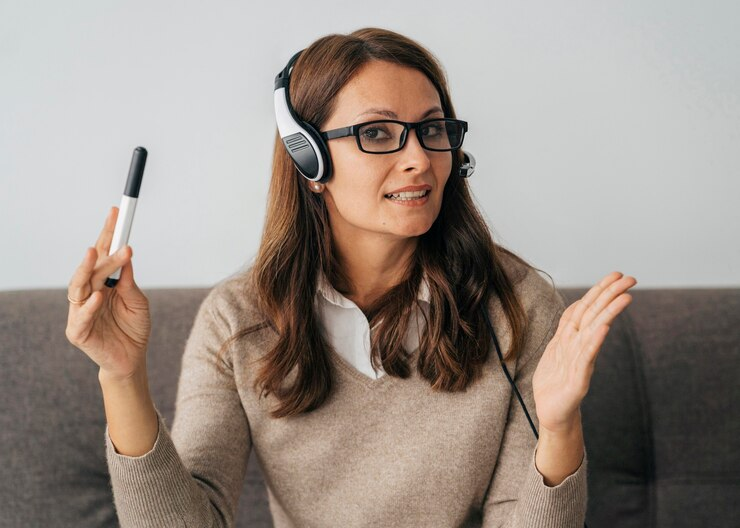
Top Audio to Text Transcription Apps
Below, we'll introduce some of the most popular and effective apps on the market:
1. Google Docs Voice Typing
THE Google Docs offers an extremely practical voice typing tool. Integrated with Google Drive, this feature allows you to dictate documents directly into Google Docs, without the need to install additional software.
- Free: Just have a Google account.
- Google Drive Integration: Automatically saves to your Google Drive.
- Multiple language support: Recognizes multiple languages, including Portuguese.
2. Otter.ai
Otter.ai is one of the most powerful audio transcription apps, offering a range of advanced features.
- Real-time transcription: Converts audio to text as you speak.
- Speaker identification: Differentiates and labels different voices.
- Synchronization with videos: Ideal for creating automatic subtitles.
3. Dragon Anywhere
Dragon Anywhere is one of the best-known and most respected solutions for voice transcription, especially popular among professionals.
- High precision: Known for its accuracy and speed.
- Customization: Allows you to create custom voice commands and phrases.
- Compatibility: Works on mobile devices and computers.
4. Transcriber for WhatsApp
Transcriber for WhatsApp is perfect for anyone who needs to transcribe audio from WhatsApp conversations.
- Easy to use: Direct integration with WhatsApp.
- Free: There is no cost for basic use.
- Fast: Converts audio messages to text in seconds.
5. Temi
Temi is another great option for audio transcription, popular with journalists and students.
- Affordable: Competitive prices per transcription minute.
- Fast Transcription: Provides transcriptions in minutes.
- Integrated text editor: Makes it easy to review and edit your transcript.
How to choose the ideal application?
To choose the best audio-to-text transcription app, consider the following factors:
- Purpose of use: Determine whether you need the app for meetings, interviews, classes, or another specific purpose.
- Budget: Evaluate whether a free app meets your needs or whether it's worth investing in a paid version.
- Supported languages: Make sure the app supports the language you need to transcribe in.
- Additional features: Consider whether features like text editing, speaker identification, and integration with other software are important to you.
- Accuracy and reliability: Read reviews and user tests to understand the app's accuracy and reliability.
Audio-to-text transcription apps are powerful tools that can transform the way you handle spoken information. With so many options available, you'll find an app that perfectly meets your needs, whether free or paid, simple or packed with advanced features.
Take advantage of these technologies to increase your productivity, improve the accessibility of your information, and optimize your time. Don't waste time typing long notes or interviews manually. Choose the right application for you and experience the convenience of automatic transcription.
See also: Maya App – a smart personal health assistant for women
July 12, 2024

Graduated in Portuguese/English Literature from the State University of Ponta Grossa (UEPG), with postgraduate degrees in Art in Education (FAPI) and School Psychopedagogy (FAPI), creator and owner of the website. Successful Writer, has experience writing for blogs in general and works as a writer and editor of the content for 11 APP.